Chatbot KPIs: 8 Metrics That Show Money, Not Vanity
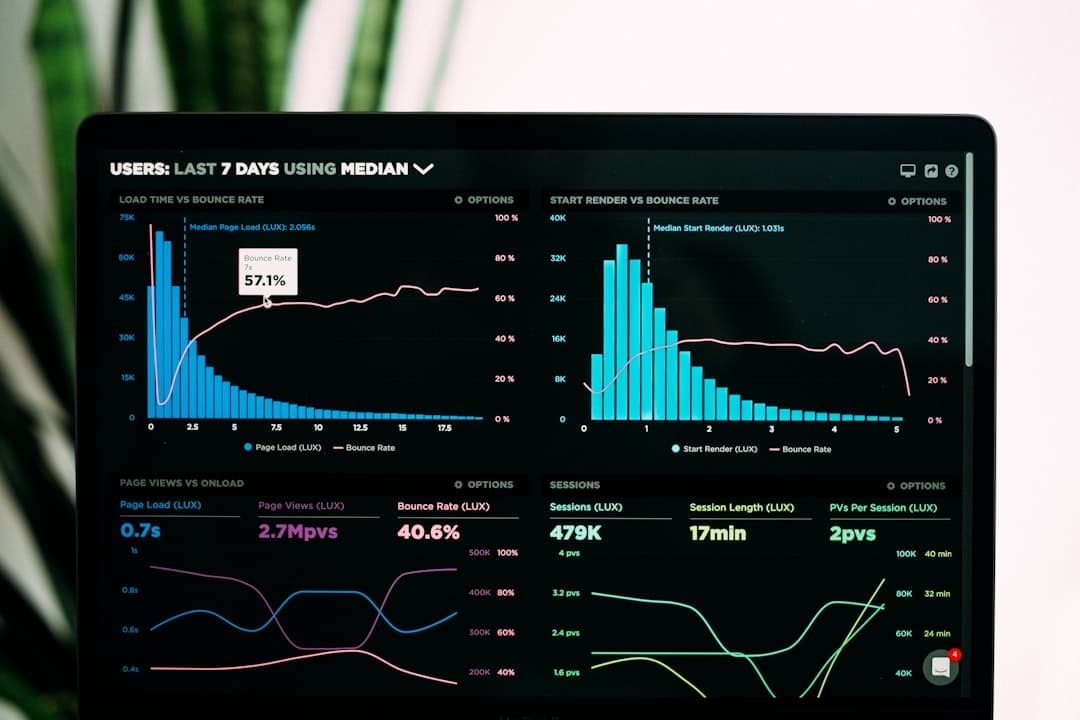
Chatbot KPIs are the numbers that show whether a bot earns its cost: leads captured, appointments booked, questions resolved without a human, and staff hours saved. Vanity numbers like total messages or session count look impressive and tell you nothing about money. Track the eight below and you will know if the bot pays for itself.
TL;DR: A bot from 150 GEL/month should clear its own cost in saved staff time alone, since an in-house operator runs around 1500 GEL/month. The eight KPIs here connect the bot to leads, bookings, and resolution rate, so you measure return, not activity.
Most bot dashboards lead with "messages handled" because it always goes up. A useful scoreboard does the opposite: it ties every conversation back to a lead, a booking, or a saved hour. When you brief an AI chatbot project, agree on these KPIs before launch, so the bot is built to move them instead of looking busy.
1. Resolution Rate
The share of conversations the bot finishes without a human stepping in. This is the core deflection number. A healthy FAQ bot resolves 40 to 70 percent of incoming questions on its own. If yours sits below that, the bot's answers need work or its scope is wrong.
2. Leads Captured
How many conversations end with a usable contact and a stated need. This is the number a sales bot lives or dies on. A bot that chats warmly but captures no contacts is a cost with no return. Count leads weekly and watch the trend.
3. Appointments Booked
For clinics, salons, and service businesses, the booking is the money event. Track how many appointments the bot books directly into your calendar. Each one is a customer your staff did not have to chase by phone.
4. After-Hours Capture
The percentage of leads and bookings the bot handles outside working hours. This is where a bot earns its keep in Georgia, since customers message on Messenger and WhatsApp late at night and on weekends. A high after-hours number means the bot is catching revenue your staff would have lost to sleep.
How much staff time does a chatbot save?
A bot that resolves half of a 100-message daily inbox saves roughly two to three staff hours a day on repeat questions alone. Against an in-house operator at around 1500 GEL/month, that saved time covers a 150 GEL/month bot many times over before you count a single new lead it captures.
5. Cost Per Lead
Divide the bot's monthly cost by the leads it captures. A bot at 400 GEL/month that captures 80 leads costs 5 GEL per lead. Compare that to what you pay for leads through ads or staff time. This single ratio settles most "is the bot worth it" arguments.
6. Handoff Rate
The share of chats the bot passes to a human. You want this in a healthy middle band. Too high and the bot is not pulling its weight. Too low and it may be stonewalling people who needed a person. Read it alongside resolution rate, not on its own.
7. First Response Time
How fast the customer gets a useful first answer. A bot should reply in seconds, every time, on every channel. This is one KPI where the bot beats any human team, and the gap is most visible during peak hours when staff would have left people waiting.
8. Conversation Completion Rate
The share of started conversations that reach a real ending, an answer, a booking, or a captured lead, rather than the customer giving up halfway. A low completion rate points to a clunky flow or too many questions asked too early.
Putting It on One Scoreboard
You do not need all eight on a daily dashboard. Pick the three tied most directly to revenue for your business and review them weekly. Here is a starting split by bot type.
| Bot type | Watch these three first |
|---|---|
| FAQ bot | Resolution rate, response time, staff hours saved |
| Sales bot | Leads captured, cost per lead, completion rate |
| Booking bot | Appointments booked, after-hours capture, handoff rate |
The rest stay in a monthly review. The goal is a scoreboard you can read in thirty seconds and act on.
Related Reading
- The complete 2026 guide to AI chatbots for business
- Running one chatbot across Georgian, English, and Russian
- Designing the chatbot-to-human handoff before you need it
- An AI chatbot for an e-commerce store, cart to checkout
- The full price breakdown for an AI chatbot in Georgia
- The 2026 playbook for AI content production
- Why chatbots annoy clients and how to fix it
- A chatbot conversion case from Georgia