Content Repurposing With AI: 1 Video Into 12 Assets
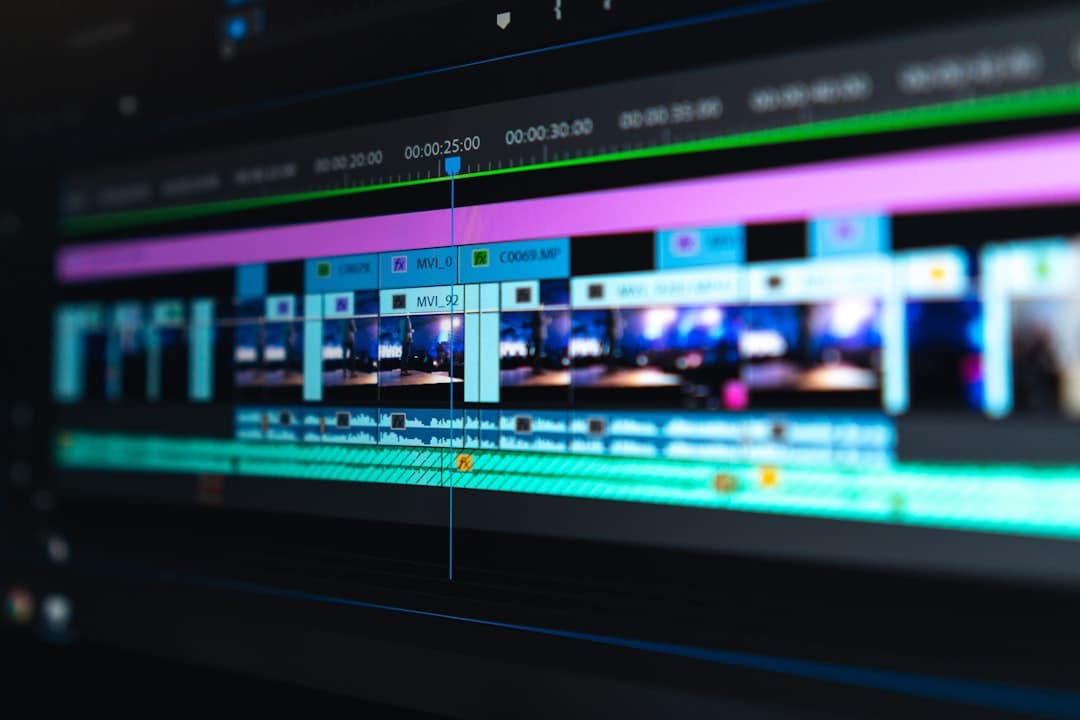
Content repurposing with AI means taking one source asset, usually a video, and using AI tools to transcribe, cut, and rewrite it into many smaller pieces for different platforms. One 10-minute video becomes short clips, social posts, a blog draft, an email, and quote graphics. You record once. AI does the slicing and reshaping.
TL;DR: One 10-minute video yields roughly 12 assets: 3 to 5 short clips, 4 to 6 social posts, 1 blog draft, 1 email, and several quote graphics. The full pass takes around 1 hour with AI versus a full day by hand.
Most Georgian small businesses have the opposite problem from a content shortage. They have content trapped in long videos, live sessions, and old posts that nobody reshapes. The owner films a product walkthrough once and it dies after one upload. A repurposing workflow turns that single recording into a week of material. Our AI content production service runs this loop every week so your channels stay fed without you filming daily.
Why does repurposing beat making new content?
Repurposing wins because one strong idea can carry five platforms once you reshape it for each. Making fresh content daily burns a small team out and dries up ideas. Your Instagram audience rarely overlaps your email list, so one message reaching both counts as reach, never repetition.
Making fresh content from scratch every day is the fastest way to burn out and run dry. The constraint a small team hits is hours, not ideas, and reshaping one recording into many formats is exactly where those hours disappear.
What repurposing gives a small team:
- More output from the same effort. One filming session feeds a week instead of a day.
- Consistency without exhaustion. Channels stay active even on weeks you cannot create.
- Platform fit. The same message, cut to length and tone for each platform, performs far better than one post copied everywhere.
The constraint was never ideas. It was the hours to reshape one idea into many formats. That is the exact gap AI closes.
The 1-to-12 Repurposing Workflow, Step by Step
Start with the richest source you have, which is almost always a video where you talk through something useful. From there the steps are mechanical, and most of them are AI-assisted.
- Transcribe the video. An AI transcription tool turns 10 minutes of speech into clean text in under a minute. This text is the raw material for everything else.
- Pull the clips. Identify 3 to 5 moments that stand alone, cut them to 15 to 60 seconds, add captions. Tools can auto-suggest the strongest segments.
- Draft the blog post. Feed the transcript to a language model and ask for a structured article. Edit for voice and accuracy.
- Write the social posts. Ask for 4 to 6 posts, each built on one idea from the video, sized for the platform.
- Build the email. One post becomes the spine of a short email to your list.
- Make the graphics. Pull 3 or 4 strong lines as quote cards.
The whole sequence runs in about an hour once you have done it twice. The video records in 10 minutes. AI handles the volume, you handle the judgment.
How many content pieces can you get from one video?
A focused 10-minute video reliably produces about 12 usable assets: 3 to 5 vertical clips, 4 to 6 platform posts, 1 blog draft, 1 email, and 2 to 4 quote graphics. Longer or denser source material yields more. The limit is how many distinct ideas the video contains, not the AI. Thin videos repurpose thin.
A realistic per-video output map:
| Asset type | Count per video | Platform |
|---|---|---|
| Short vertical clips | 3-5 | Reels, TikTok, Shorts |
| Social text posts | 4-6 | Facebook, LinkedIn, Instagram |
| Blog draft | 1 | Website |
| 1 | Your list | |
| Quote graphics | 2-4 | Instagram, Facebook |
Quality control matters more here than anywhere, because one weak source spreads weakness across twelve assets. Every repurposed piece still passes the same checks you apply to original content before it ships.
Where the Repurposing Workflow Goes Wrong
The failure mode is volume without quality. Twelve mediocre assets do more harm than three strong ones, because they train your audience to scroll past your name. AI makes it easy to flood your channels with thin, off-brand pieces if you skip the human pass.
The guardrails that keep volume honest:
- Start with a useful source. Repurposing amplifies whatever you feed it, good or bad.
- Edit every AI draft for voice. Run each piece through your brand voice guide so twelve assets still sound like one business.
- Cut, do not pad. If a clip needs filler to reach length, it was not a strong moment. Drop it.
- Verify any claim. A wrong number in the video becomes a wrong number in twelve places.
Related Reading
- The full AI content production playbook for business
- The 12-point quality checklist before you publish AI content
- Automating your content calendar with AI
- Why fake-casual UGC-style AI ads outsell polished ones
- AI email sequences a small team can run
- What AI gets right and wrong in Georgian for business
- Inside an AI content factory: the technical walkthrough
- How to process 30 creatives per week with AI